Everything you need to know about phishing: how to avoid taking the bait?
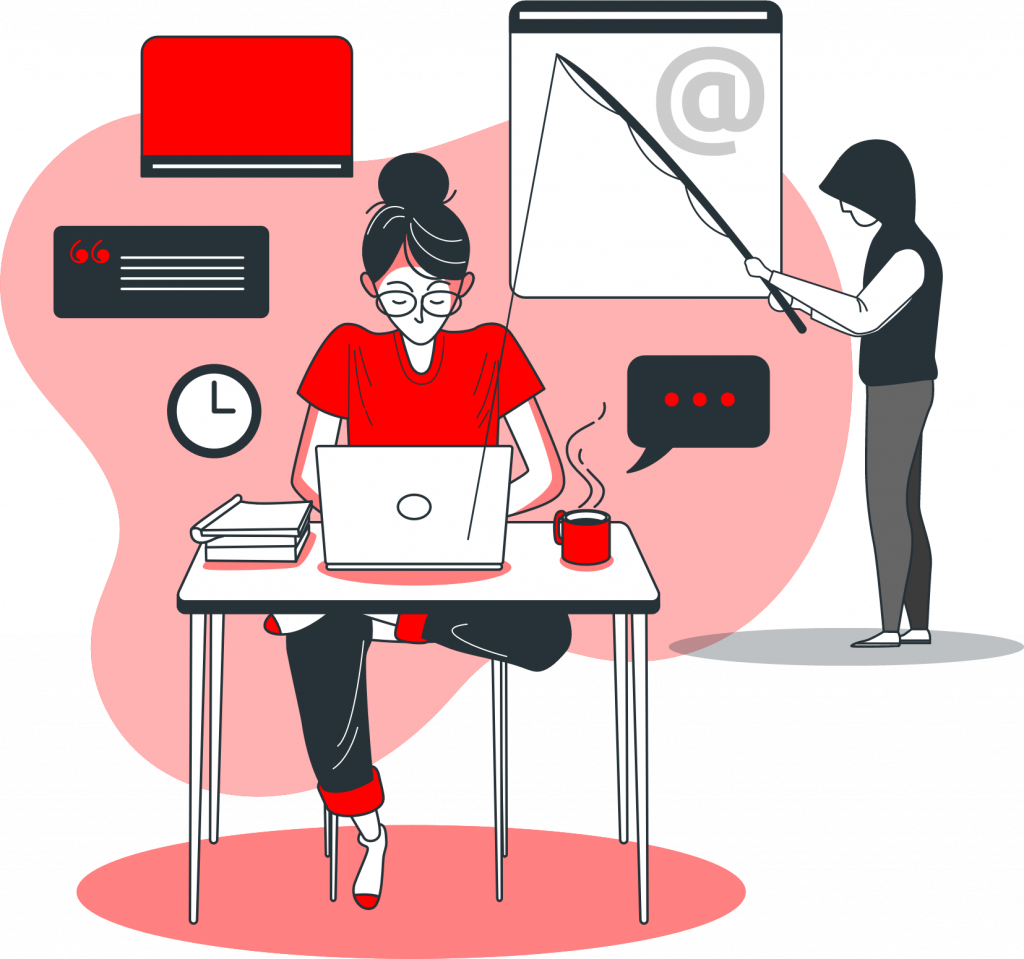
Understanding phishing: how to avoid taking the bait?
Have you received an alarming email from your bank or an unexpected text message about a package delivery? Be careful: you may be the target of a phishing attempt . This technique is one of the most widespread cyber threats today.
What is phishing?
Phishing is a fraudulent method that involves impersonating a trusted third party to deceive a victim. Cybercriminals may pose as:
- A government agency or company (bank, delivery service, energy provider, etc.).
- A relative or acquaintance (parents, friends, online contacts).
These messages usually come to you via email, text message, instant messaging, or even a phone call.
Why are cybercriminals targeting you?
The purpose of these attacks is twofold:
- To steal your information: whether it's your identity details, passwords, validation codes, or bank details, so they can use them fraudulently.
- Infect your equipment: encourage you to install a virus to take control of your computer or phone.
9 checkpoints to detect a trap
Even though cybercriminals are making their messages increasingly credible, there are some tell-tale signs. Before clicking, check these points:
- An unusual alert from your email or antivirus software.
- A message from a service or company you are not a customer of.
- An inconsistent, fanciful, or unusual sender address.
- A very short or, conversely, particularly alarming message subject line.
- Suspicious formatting, a poor-quality logo, or a lack of personalization.
- An unusual request, a message that is overly enticing or disturbing.
- Surprising grammatical errors.
- A strong incentive to click on a link or open an attachment.
- A call from a hidden or unknown phone number.
How should you respond to a suspicious message?
“Stay alert and, if you receive an unusual request, always check it yourself!”
If you receive a suspicious message, follow these simple tips:
- Do not reply: do not click on any links and never open attachments.
- Check the source: if you have any doubts, contact the organization or person concerned directly through a channel you already know (official number, usual website).
Need help or information?
If you think you have been the victim of a scam, don't suffer in silence. You can get assistance on official platforms:
- For information: Cybermalveillance.gouv.fr.
- For assistance if you are a victim: 17Cyber.gouv.fr.
Discover my AI tools
Explore the Gemotheque, generate optimized prompts for ChatGPT and Midjourney, or test my dedicated AI assistants.